Everything the .dmg deserves
The window that opens when someone mounts your disk image is the first thing they see. Sleeve gives it the attention it never got.
A pixel-perfect Finder preview
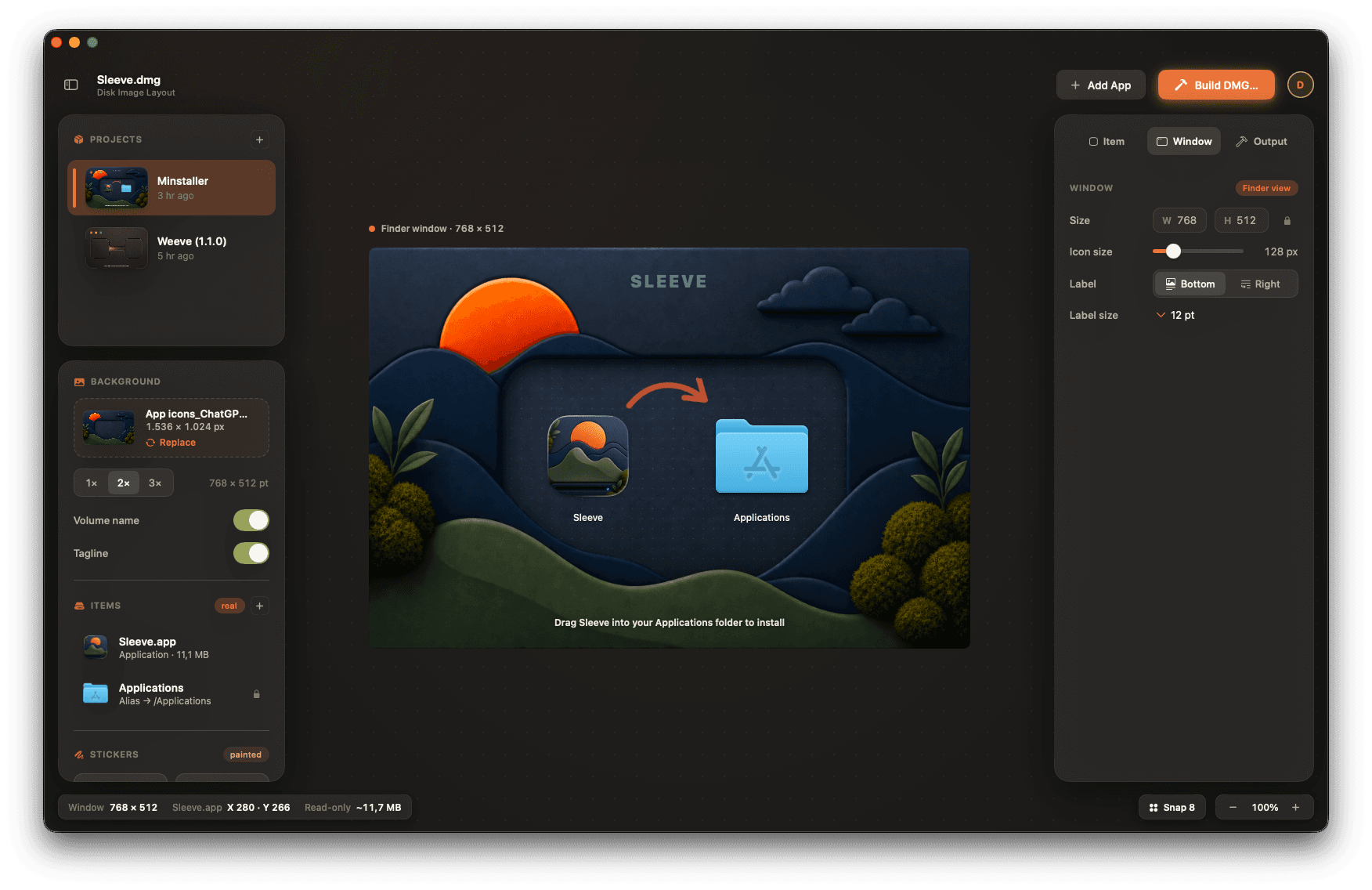
What you design is exactly what opens. Sleeve renders the real Finder window: icon spacing, label position, background. No surprises when someone mounts your image.
Drag, snap, done
Position your app and the Applications alias on a snapping grid. Nudge to the pixel, or let Sleeve align it for you.
Stickers & markers
Hand-drawn arrows, geometric guides, motion paths, and “drag here” labels: the cues that make installs obvious.
Retina backgrounds
Drop in any artwork and export crisp 1×, 2× and 3× backgrounds. Toggle the volume name and tagline right on the canvas.
Signed & checksummed
Code-sign with your Developer ID, add a SHA-256 checksum, and internet-enable the image, all in one Build.
From .app to .dmg
Add your app
Drag in your .app and Sleeve reads its icon, pulls in the Applications alias and sizes the window.
Design the window
Set the background, icon size and labels. Drop arrows and stickers exactly where you want the eye to go.
Build the DMG
Pick your format, sign it, checksum it. One click and you have a ship-ready disk image with your name on it.
The whole installer, on one canvas
Item, window, and output each get their own inspector, right beside the live preview. Nothing’s hidden behind a terminal flag.
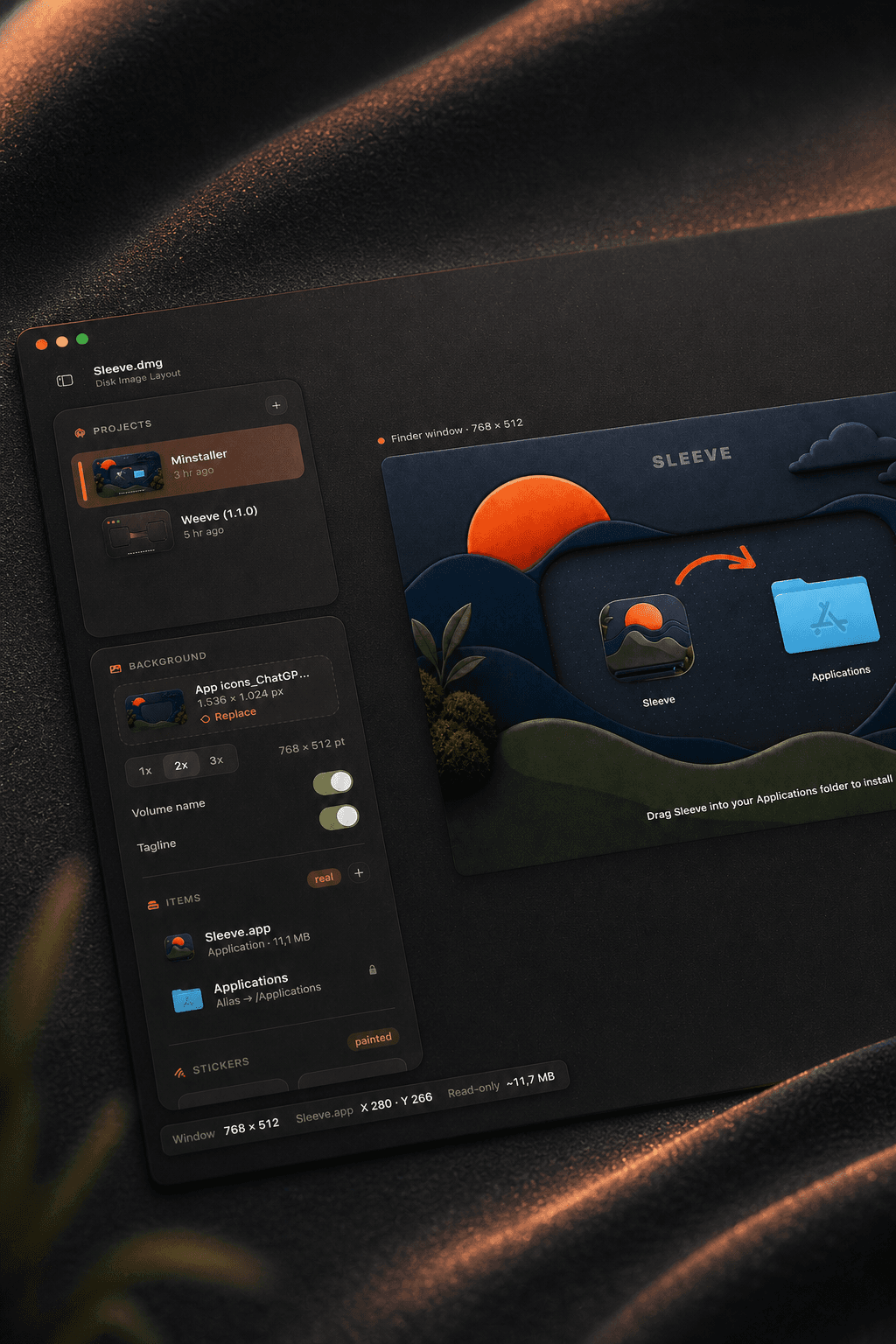
Design exactly what they'll see
Lay out the whole window on a live canvas. It opens just the way you made it.
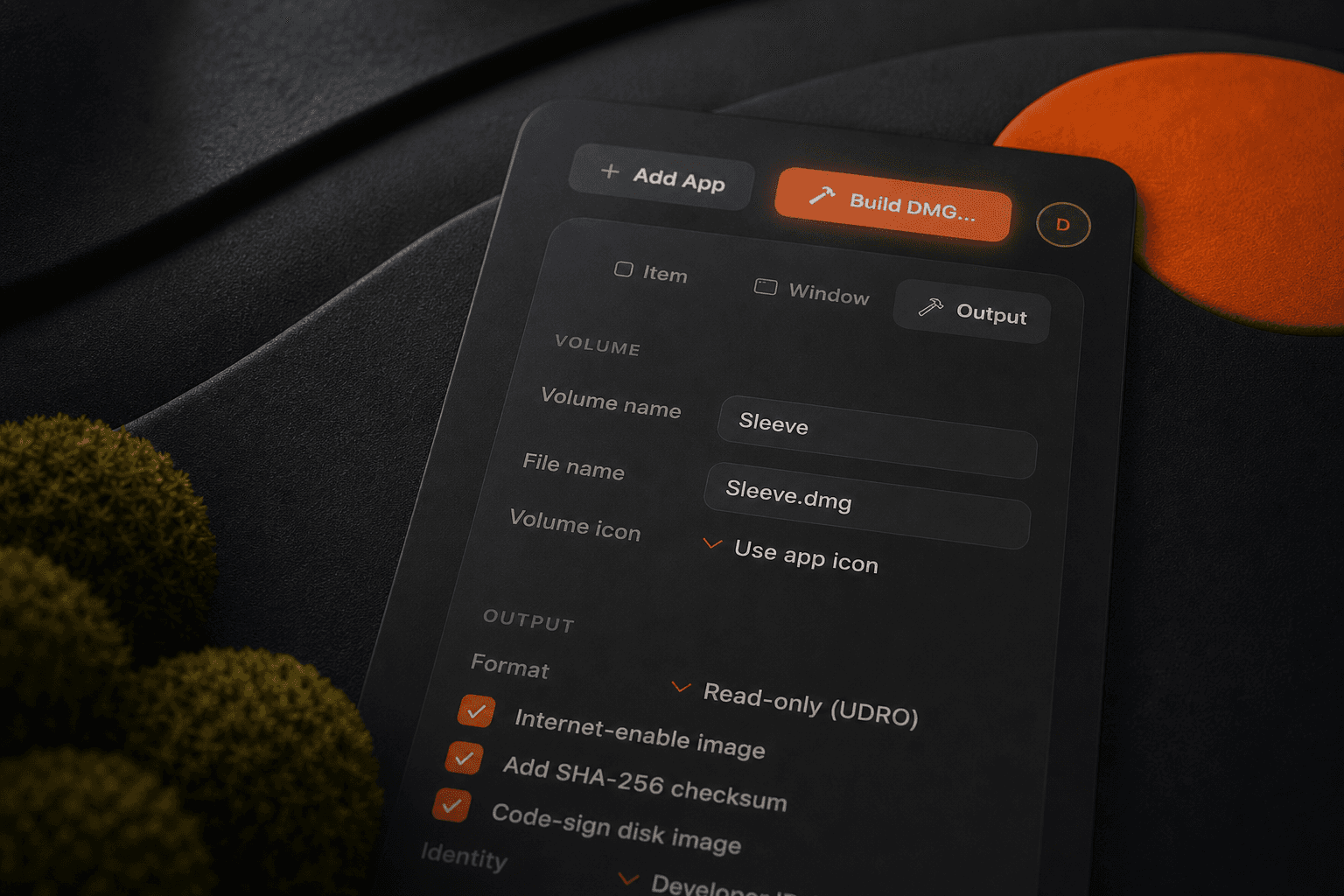
Ship it in one click
Turn your design into a signed disk image, ready to share — no terminal.
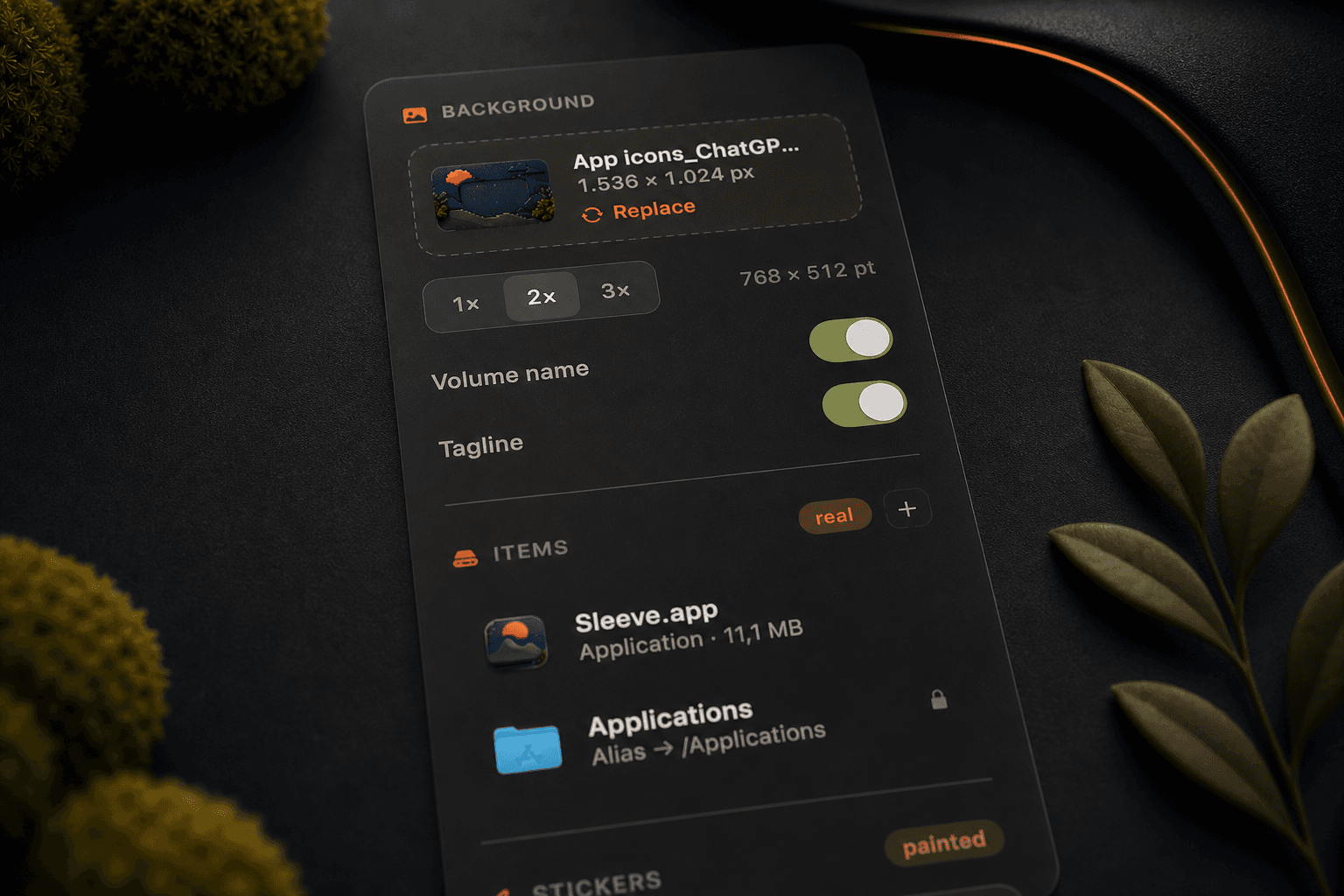
Make it beautiful
Retina backgrounds, your real app icons, and a drag-here arrow placed just right.